The switch called abroad won't unblock a foreign website.How to find and turn on the card setting that actually covers online payments to overseas sites

You open the banking app, find a setting called Abroad or International spending, switch it on, and the overseas website declines the card again. The app hasn't ignored you. At several UK banks that switch only covers paying in a shop or at a cash machine outside the UK. A purchase from a foreign website runs through a different control, usually labelled online and remote, or online, phone and mail order. Some banks have no such switch at all, only a freeze on the whole card, and they don't agree on whether a freeze stops your subscriptions or Apple Pay.
What's in this guide (open the outline)
Abroad and online are two different switches
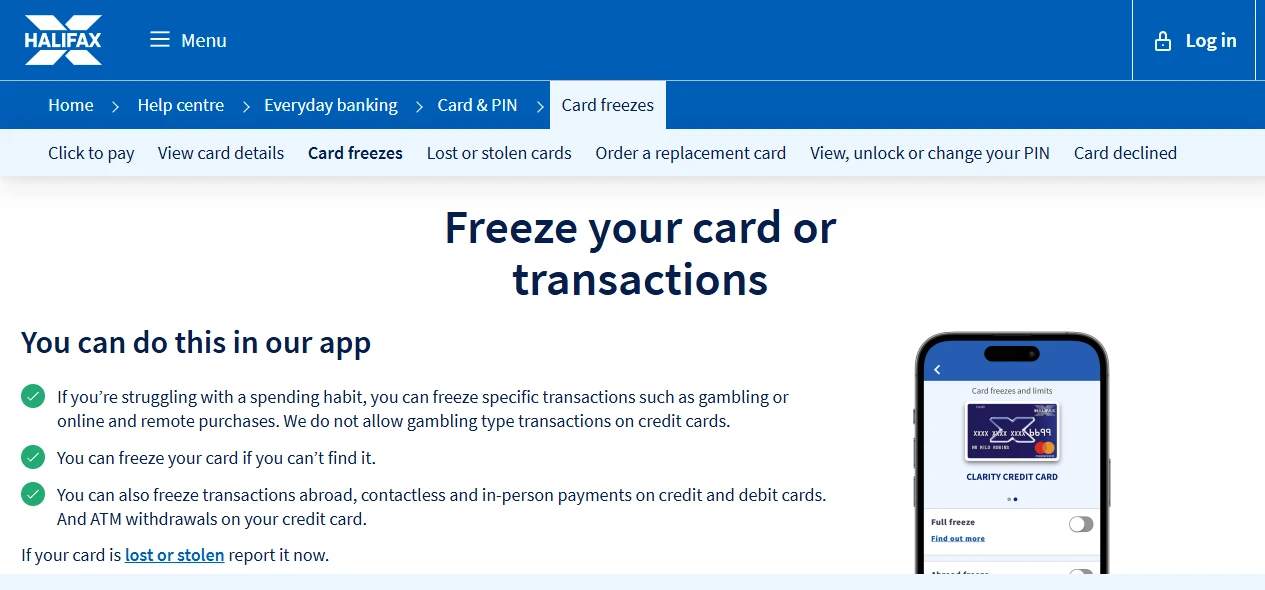
Banking apps sort card controls by how the card is used, not by where the shop is. A website in the United States charging a UK card is, as far as the bank is concerned, an online payment before it is anything else. Halifax sets this out in a table on its help page about freezes. Trimmed to the four freezes that matter here:
| Freeze | What it blocks | What it leaves alone |
|---|---|---|
| Abroad | Payments in person and at cash machines outside the UK | Payments where the retailer doesn't ask the bank for authorisationHalifax's examples are TfL and in-flight payments |
| Online and remote | Payments where the card isn't there: online, in-app, phone and mail order, Apple Pay and Google Pay included | Direct Debits on a debit card, and anything the retailer treats as recurring |
| In person | Paying in a shop, phone wallets at the till included | Cash machine withdrawals |
| Full freeze | Online and in-person card payments, phone and mail order, wallet payments | Recurring payments such as Direct Debits or subscriptions, and refunds coming in |
Read the first two rows together. With Abroad unfrozen and Online and remote frozen, every overseas website declines the card, and so does every UK one. The reverse catches people just as often: unfreezing Abroad to "unlock" the card changes nothing online.
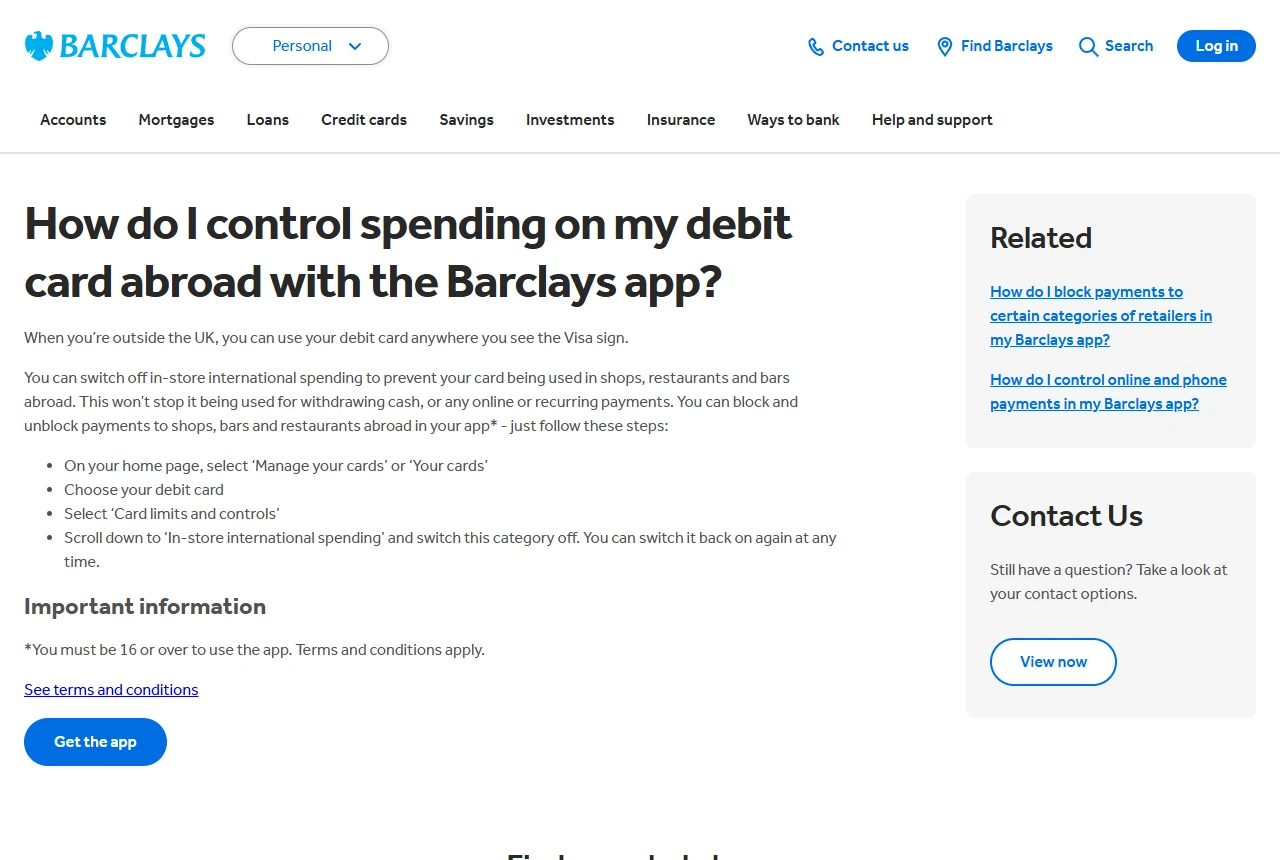
Barclays draws the same line in fewer words. Its page on controlling a debit card abroad says that switching off in-store international spending stops the card in shops, restaurants and bars abroad, but not for cash withdrawals or "any online or recurring payments". Online payments have a switch of their own, described on a separate page.
Where each app keeps the online switch
The names differ from bank to bank, and so does whether a separate online switch exists at all. This is what eight banks' own help pages say, checked on the day this guide was updated:
| Bank | The control a foreign website runs through | Where it is |
|---|---|---|
| Halifax | Online and remote | Cards, then Card freezes and limits, then the toggles under the cardHalifax says changes take effect immediately |
| Lloyds | The freeze for online purchases | Manage Card, then Card freezes and limitsFreezes can only be set in the app; switching gambling back on takes 48 hours, everything else is immediate |
| Barclays | Online, phone and mail order payments | Your cards, choose the debit card, then Card limits and controlsIn-store international spending is a different switch further down the same list |
| Starling | Online Payments | The card screen and its card and currency controlsCard Locked sits above everything and overrides the other controls |
| HSBC UK | No separate online switch on its help page, only one temporary freeze | Cards, choose the card, then Freeze card or Unfreeze card |
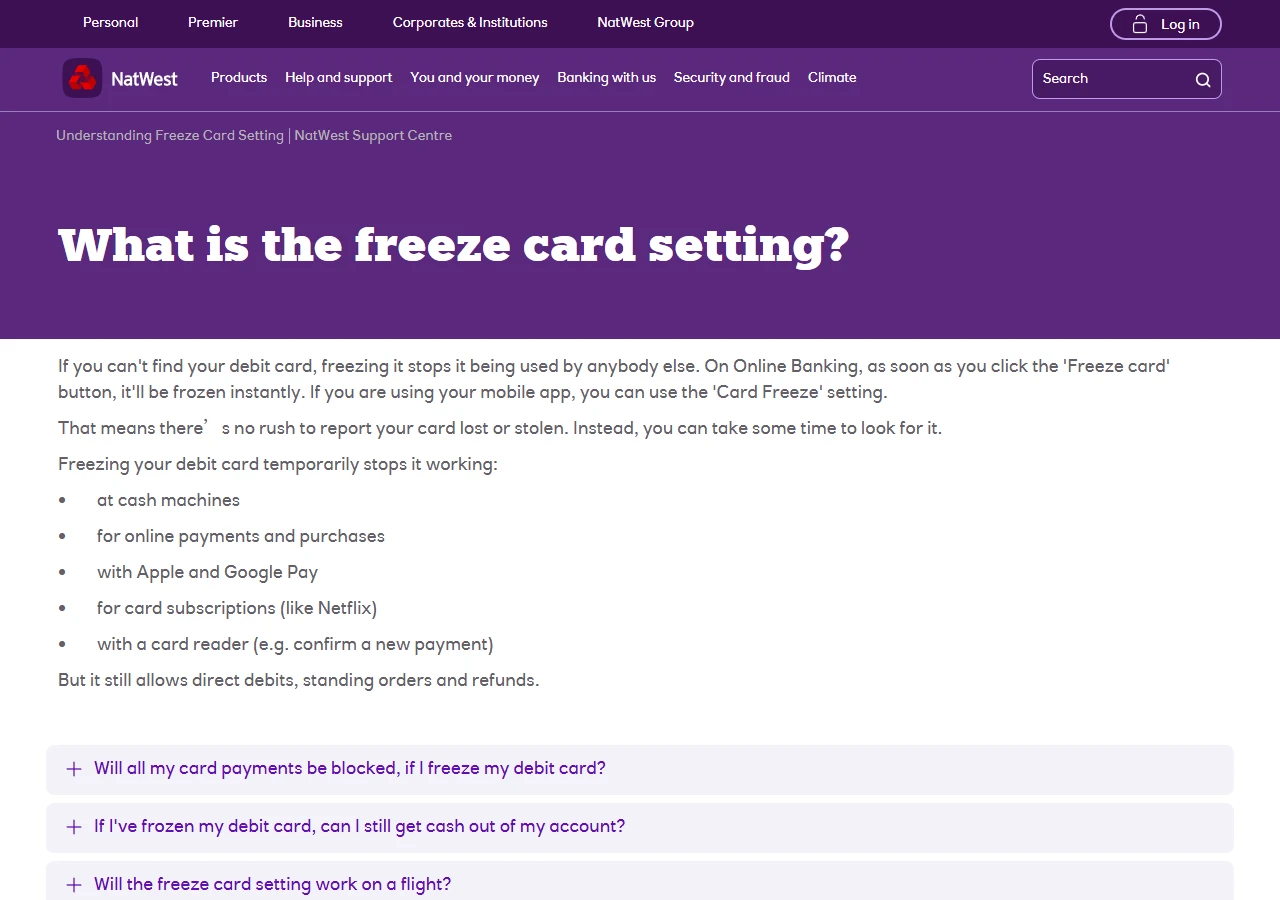
| NatWest | No separate online switch on its freeze page, only Card Freeze for the debit card | Card Freeze in the app, or Freeze card in Online BankingUnlike Halifax and HSBC, the freeze also stops card subscriptions such as Netflix |
| Revolut | Online transactions | Home, the cards icon, choose the card, Settings, then SecurityPhysical cards only; locking online transactions leaves Apple Pay and Google Pay working |
| Monzo | No general online switch in its help pages | Blocks instead: one for gambling, and spending blocks set merchant by merchantA merchant block you added months ago declines that one shop and nothing else |
Phone wallets are where the banks disagree most. Starling's Card Present control covers the physical card and wallet payments tapped on a reader, while its Online Payments control covers card details typed into a website and wallet payments made online or inside an app. Halifax's online freeze also includes Apple Pay and Google Pay. Revolut goes the other way: locking online transactions leaves Apple Pay and Google Pay untouched. That difference is a useful clue. When Apple Pay works inside an app but typing the card number into the same app fails, an online lock of the Revolut kind is the likely cause. When Apple Pay in the app fails as well, look for an online control like Starling's, or a freeze on the whole card.
If your bank isn't here, look through the card settings for words like online, remote, card not present, internet or mail order. If the app has nothing of the kind, the bank controls it on its side and its chat or phone line can say whether online payments are blocked on your card.
Why an old subscription renews while a new sign-up fails
At most of these banks, recurring payments are carved out of the controls. Halifax's online freeze leaves alone anything the retailer considers a recurring transaction, and its full freeze leaves subscriptions running. HSBC's help page says a temporary freeze doesn't affect recurring payments or digital wallet transactions. Barclays' in-store switch doesn't touch recurring payments either. NatWest is the exception: its Card Freeze stops card subscriptions such as Netflix, and only Direct Debits, standing orders and refunds get through.
At the banks that carve subscriptions out, the result is a pattern you can spot. A streaming plan set up last year renews every month, while a free trial on a new site is declined at the first step. The first charge of a new subscription is one you start yourself at checkout, so the bank handles it like any other online payment; only the later renewals are marked as recurring. When old renewals go through and every new online payment fails, look for an online switch before blaming the merchant.
The carve-out works against you too. Freezing online payments is not a way to stop a subscription you no longer want. Cancel it with the merchant, and check the next statement. Renewal failures for the opposite reason, a card that has expired or been replaced, are covered in the guide to streaming renewals.
Every switch is on and it still fails
Once the online control is on, the bank's own rules are the next place a payment can stop. Halifax's page on declined cards lists several, and they apply well beyond Halifax:
- A limit. Halifax names its daily cash machine limit, £800, and the credit limit on a credit card. Other limits on online spending vary by bank and account; Starling shows its in the Card & Payment limits screen.
- A fraud check. When Halifax's systems see unusual spending it will usually call you to confirm, may ask the merchant for extra checks, and sometimes stops card payments until it is sure it's you. A wrong phone number on the account turns that call into a silent decline.
- An approval that timed out. Many online payments now ask you to confirm in the banking app or with a code. If the prompt isn't answered in time, the payment fails, and the merchant usually shows nothing more specific than "declined".
- A mistyped detail. Expiry date, the three-digit security code and the billing address all get checked. An incorrect security code is on Halifax's list too.
If none of those fits, the refusal may come from the merchant and not your bank. A site that doesn't accept cards issued in your country, or refuses a particular range of card numbers, behaves the same whatever your app says. How to tell the two apart from the wording of the error is in why overseas sites decline your card.
The order to check, in about two minutes
- Open the card's controls and read every switch name. Turn on the one about online, remote, or phone and mail order payments.
- Leave the abroad switch as it is unless you're also going to pay in shops or take cash out abroad.
- Look at the limits screen, if the app has one, and compare it with the amount you're about to pay.
- Pay once, with the banking app open. If a confirmation appears, approve it; if a text asks whether the payment was you, answer it.
- If it still fails, copy the exact error message and follow the post-decline checklist, which sorts messages by who refused the payment.
Switching it back off afterwards
Online payments often get switched off after a scare and then forgotten. Keeping it off does narrow what a stolen card number can be used for; the cost is turning it on each time you buy from a website. Either choice is reasonable. Just check how your bank treats subscriptions first: at Halifax or HSBC they keep renewing with the freeze on, at NatWest a full freeze stops them.
Don't switch it back off the moment the checkout says "thank you". Lloyds warns that some online retailers process a payment later, and a freeze turned on before that happens may stop the transaction. Wait until the payment shows as completed in the app, not pending.
Not every control switches back instantly either. Starling and Lloyds both make you wait 48 hours when gambling payments are turned back on, and Starling's magstripe setting turns itself off again after 48 hours without a magstripe payment. The online controls take effect straight away at Halifax and Lloyds, by the banks' own account.
HSBC's help page says it can't guarantee a freeze stops every transaction, and that you remain liable for any that go through. If the card or its number may be in someone else's hands, report it lost or stolen so it is cancelled and replaced, rather than relying on a freeze.
A few questions people ask
- Why is my card still declined after turning on international payments?
- At many banks the setting called abroad or international only covers shops and cash machines outside the country. Payments to foreign websites go through the online or card-not-present control, which has to be on as well.
- Do I need to tell my bank before paying a foreign website?
- Usually not. What matters is that online payments are switched on for the card and that the bank has your current phone number, so a fraud check can reach you instead of ending in a decline.
- Why does Apple Pay work in shops but not inside an app?
- It depends on the bank. Starling and Halifax count Apple Pay inside an app or on a website as an online payment, so their online controls block it. Revolut says locking online transactions leaves Apple Pay and Google Pay working.
- Will freezing my card stop a subscription?
- At Halifax and HSBC, no: freezes leave recurring payments running. NatWest's freeze does stop card subscriptions. Either way, to end a subscription for good, cancel it with the merchant.
Sources to check: every bank names and places these controls differently, and apps are redesigned often. The bank's own help pages or in-app help are the reference for your card; this guide describes the pattern using eight banks' pages as examples. Updated 2026-09-21.
References
- Halifax: freeze your card or transactions
- Halifax: card declined
- Barclays: controlling spending on your debit card abroad
- Barclays: online, phone and mail order payments
- Starling Help: what controls do I have over my card?
- HSBC UK: freeze or unfreeze your card
- Lloyds Bank: card freezes
- NatWest: what is the freeze card setting?
- Revolut Help: card security settings
- Monzo Help: how blocks work
All ten are the banks' own pages, read on 2026-09-21. Menu names change when apps are redesigned; Halifax's page, for one, notes that the Halifax brand is moving to the Lloyds app.